Step 3: Create Scopes
What are scopes?
Scopes define the level of access granted by a permission. Common scopes include 'read' (view only), 'write' (create/edit), 'delete' (remove), and 'admin' (full control). They work with roles to create granular permissions.
Steps
- Open the Scopes page in the dashboard
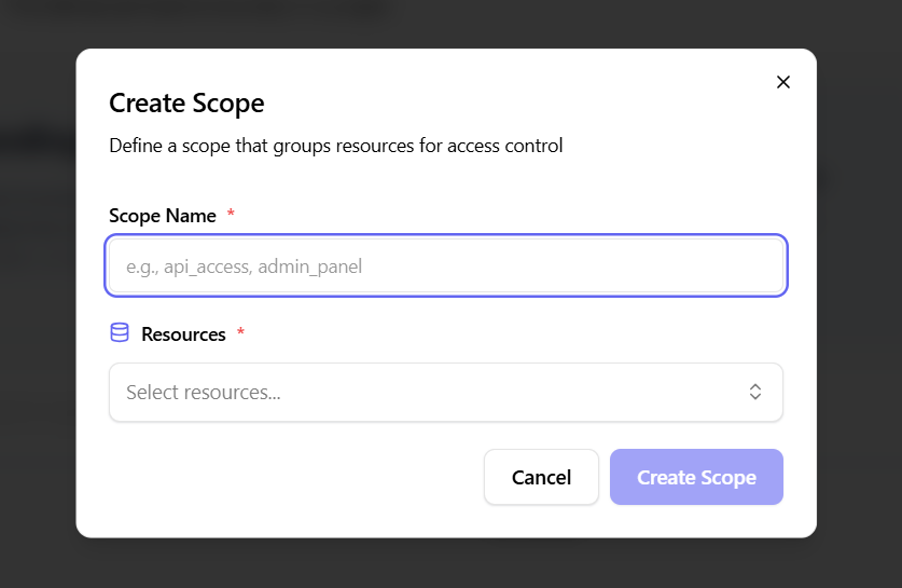
- Click "Create Scope"
- Define the scope details:
- Name:
read,write,delete, oradmin - Description: Brief explanation of the access level
- Name:
- Configure scope permissions
- Save the scope