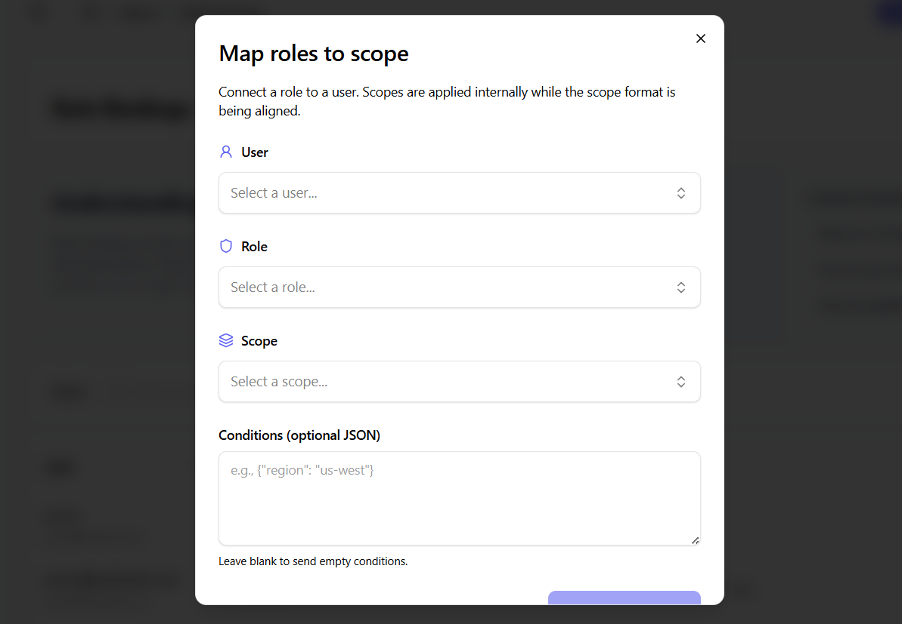
Step 4: Create Role Bindings
What are role bindings?
Role bindings are the associations between users and roles. When you bind a user to a role, they inherit all permissions that role has. Think of it as assigning job responsibilities to team members.
Steps
- Open the Role Bindings page
- Click "Create Binding"
- Configure the binding:
- User:
user@example.com - Role:
Document Editor - Optional scope:
project:marketing
- User:
- Save the binding