Step 1: Create Permissions
What is permission?
Permissions are the combination of a role, scope, and resource that define what actions a user can perform. For example, 'Admin role with write scope on documents resource' grants document editing capabilities.
Steps
- Open the Permissions page in the dashboard
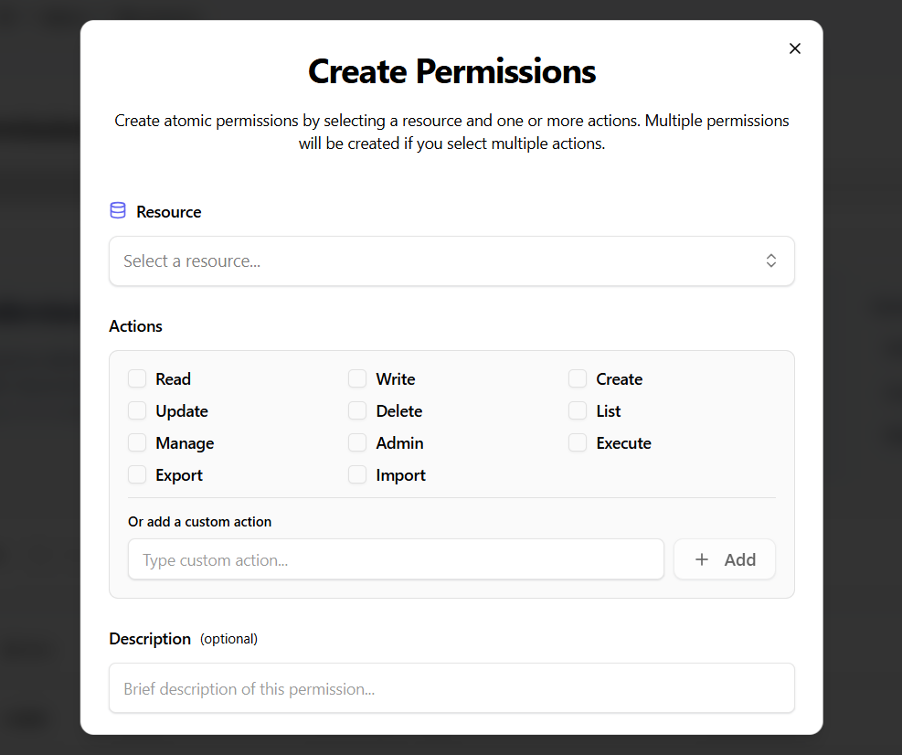
- Click "Create Permission"
- Define the permission details:
- Resource:
document - Actions:
read,write,delete
- Resource:
- Save the permission