Clients and connections
Your server is protected — this page is about who calls it. Most clients register themselves; this is where you see them, approve or revoke them, and occasionally pre-register one by hand.
- Application launched
Two views of clients
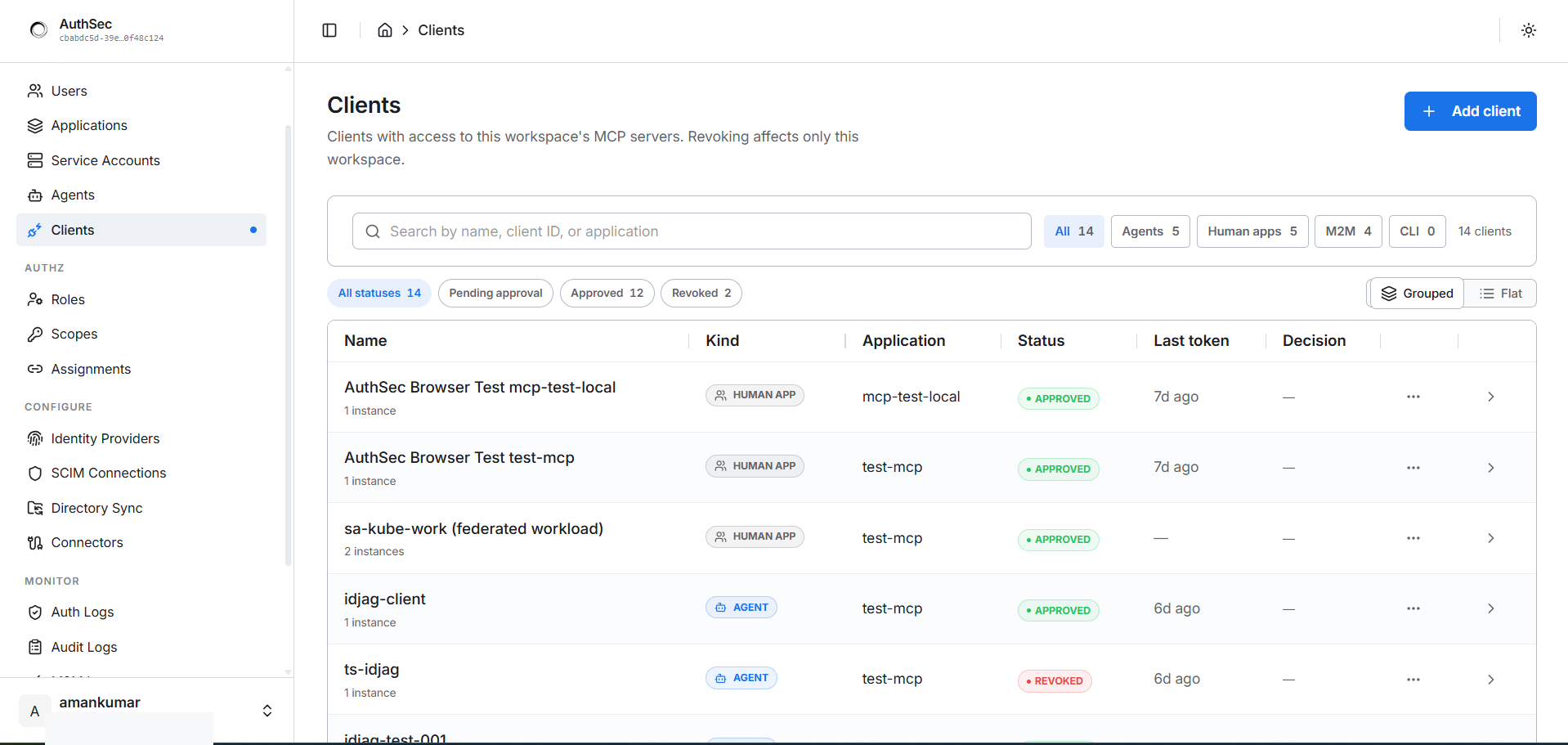
Workspace-level (sidebar → WORKSPACE → Clients) — every OAuth client across all applications, filterable by Kind (Agents / Human apps / M2M / CLI) and Status (Pending approval / Approved / Revoked):
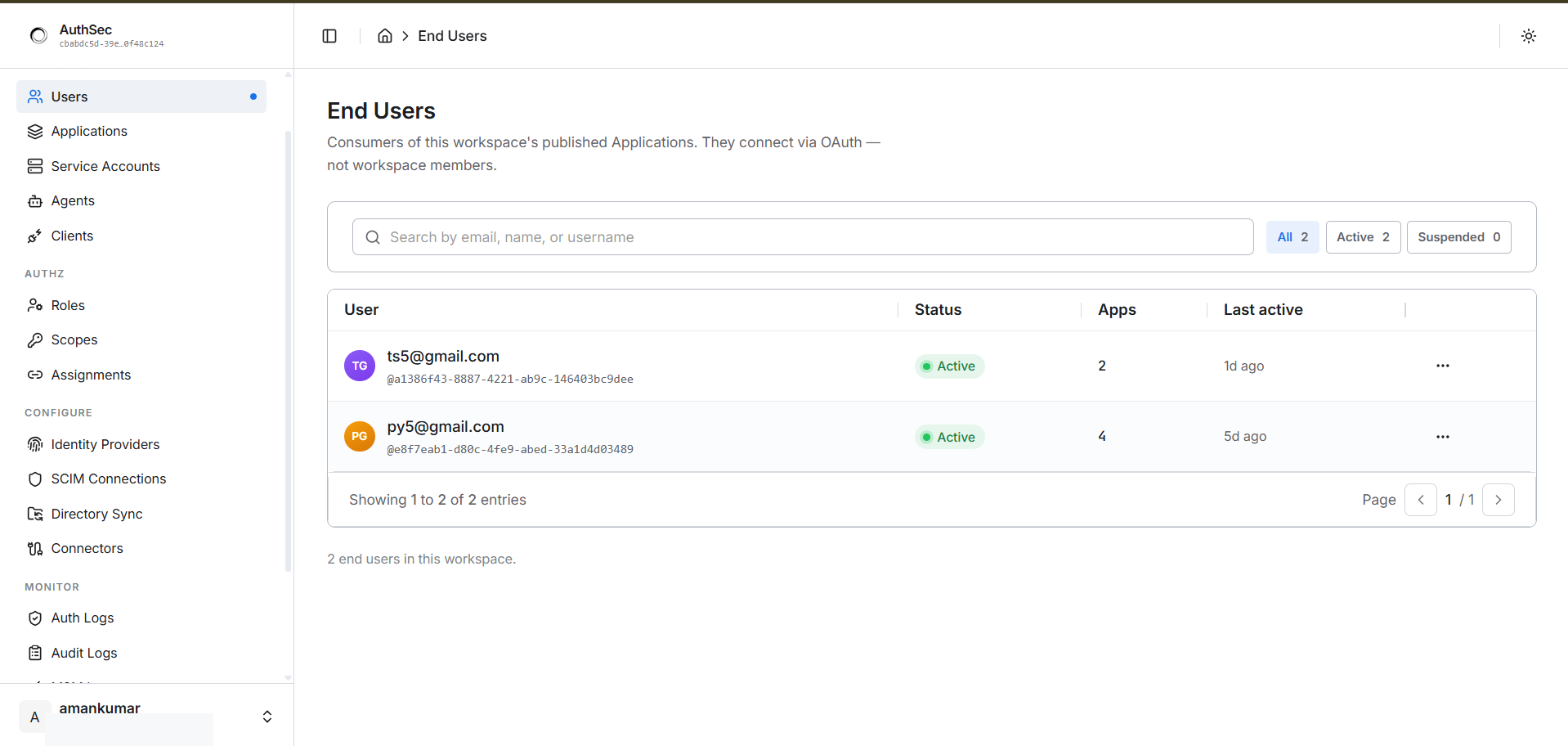
Per-application — the Clients tab inside an Application shows only clients with access to this server. Approve pending requests, revoke access, and pre-register new clients from here. Revoking affects only this workspace:
Three ways a client registers
- Dynamic (DCR) — the client registers itself via
POST /oauth/registerat runtime. Auto-approved. This is how Claude Code, Cursor, and most MCP clients connect — zero admin work. - CIMD (Client ID Metadata Document) — the client hosts a public JSON document describing itself (name, logo, redirect URIs); that URL becomes the client identity. When redirect URIs change (a new app version ships), AuthSec stages the update for admin approval. Used by OS-distributed clients like Claude Desktop.
- Pre-registered — created by an admin via the Clients tab or API.
Best for controlled, named deployments where you hand the
client_idto a specific agent's.env.
The application's registration_modes array controls which are allowed —
default ['dcr', 'cimd', 'prereg'] (all three). Toggle them from the
Setup tab's Client registration section.
When to pre-register
- Testing with curl or a CLI that doesn't speak DCR — pre-register once, hard-code the credentials in your test script.
- Server-to-server clients — see M2M auth for the full service-account flow.
- Constrained redirect URIs — when you must pin exactly which callbacks are allowed.
Pre-registration via API:
curl -X POST "https://app.authsec.ai/authsec/resource-servers/$RS/clients" \
  -H "Authorization: Bearer $ADMIN_JWT" \
  -H "Content-Type: application/json" \
  -d '{
    "client_name": "my-ci-job",
    "redirect_uris": ["https://ci.example.com/oauth/callback"]
  }'
The response contains client_id and client_secret — the secret is
returned only in this response. Treat it like a password.
The Connections tab
Access requests (pending first-time connections from agents) and Active connections (every approved agent, service account, or workload with the role and scopes it was granted through, its status, and last-connected time):
This is where you approve a first-time agent connection (the ID-JAG flow — the agent's first call parks here as a pending request) and where you revoke existing connections via the row's ⋯ menu.
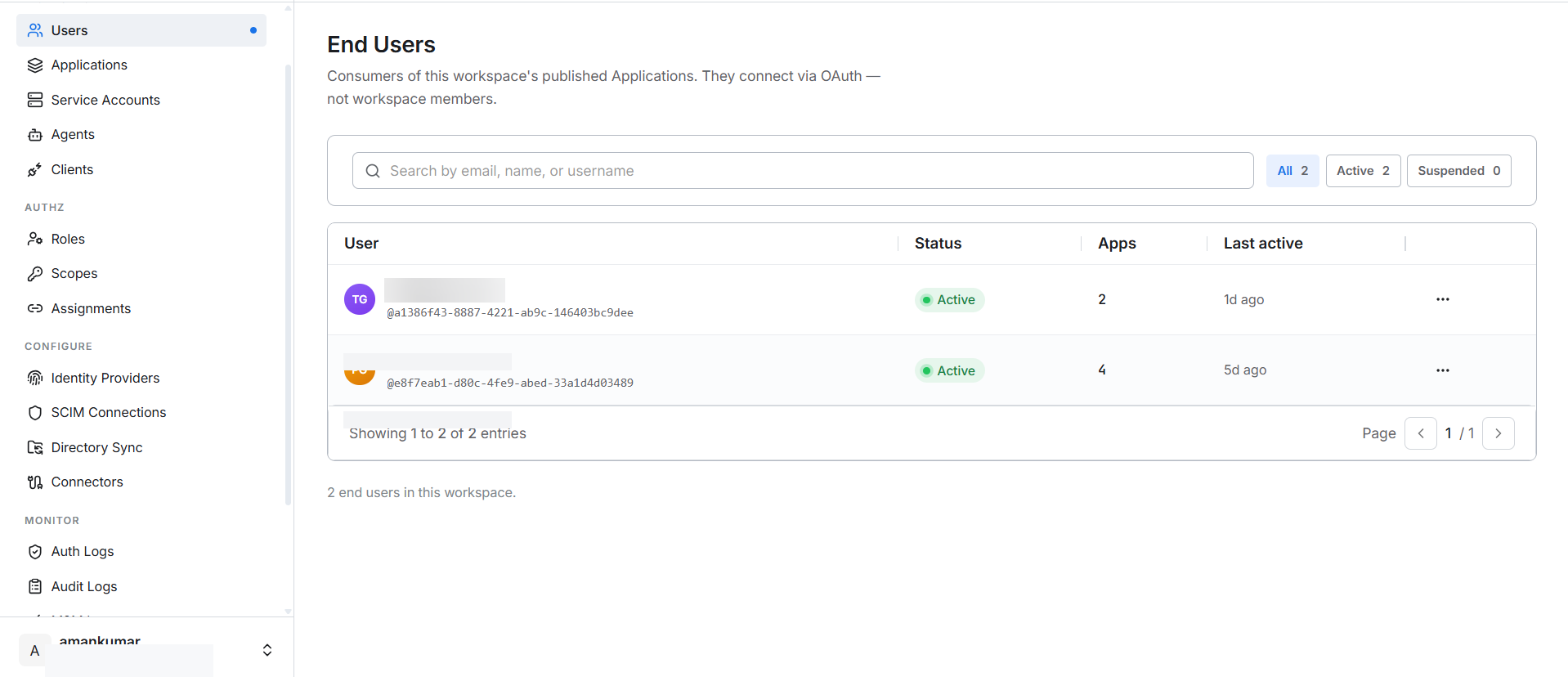
End users
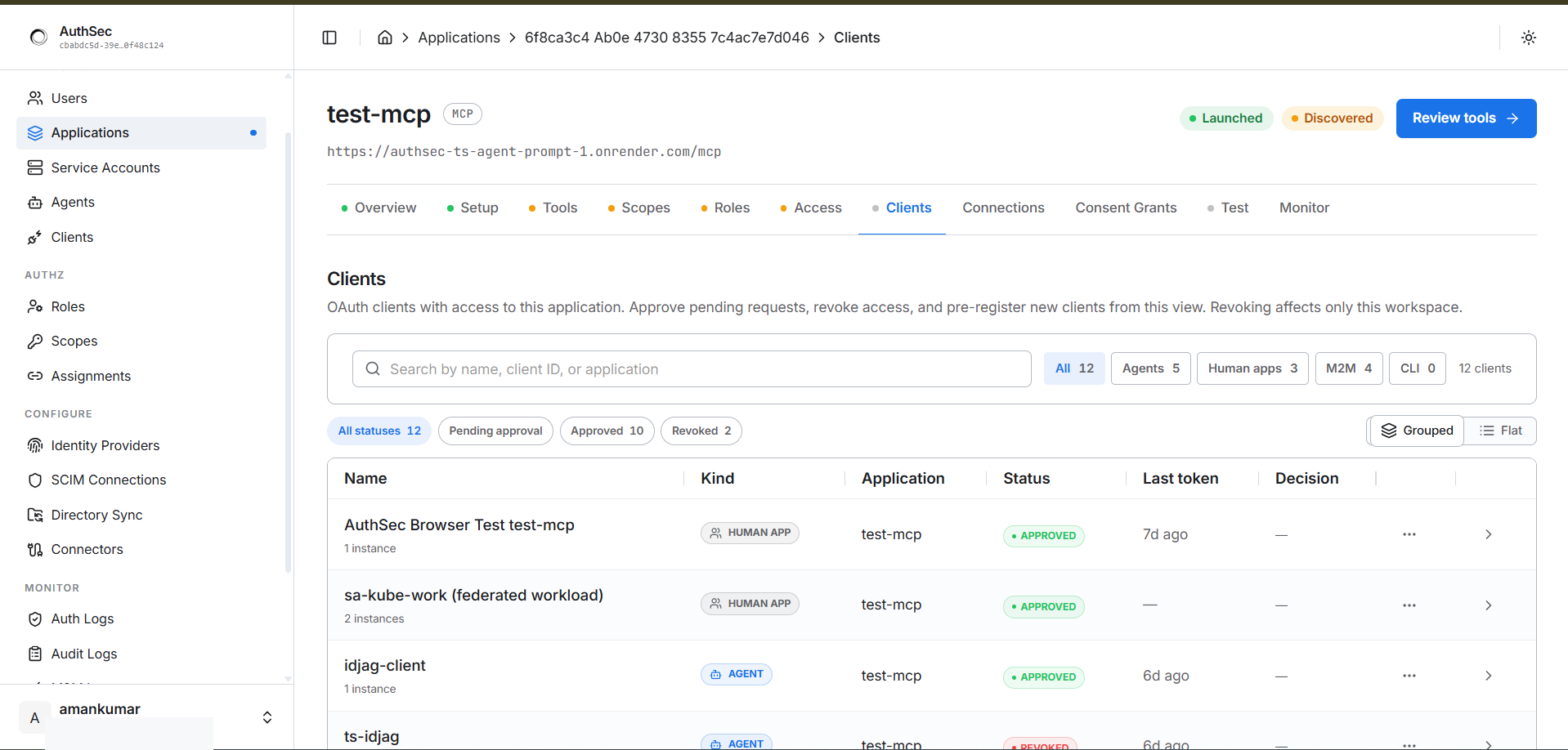
WORKSPACE → Users shows consumers of your published applications — people who authenticated via OAuth, not workspace members. Status, how many apps they've connected to, last active: