Sign In & Account Setup
Email Sign In
You can sign in or create an account using your email address.
Steps:
- Navigate to the AuthSec sign-in page
- Enter your email address
- Click Continue
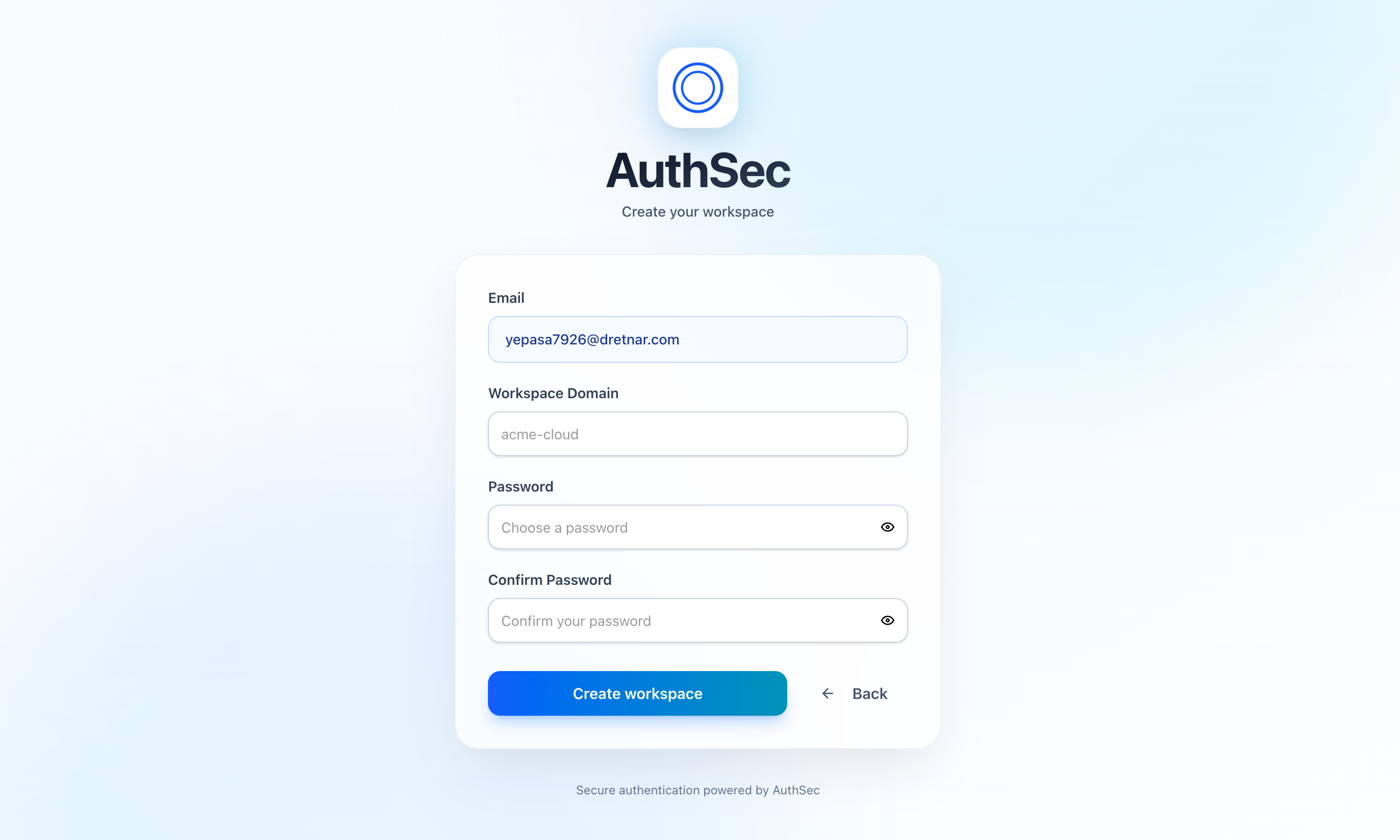
- If the account does not exist, AuthSec will begin the signup process
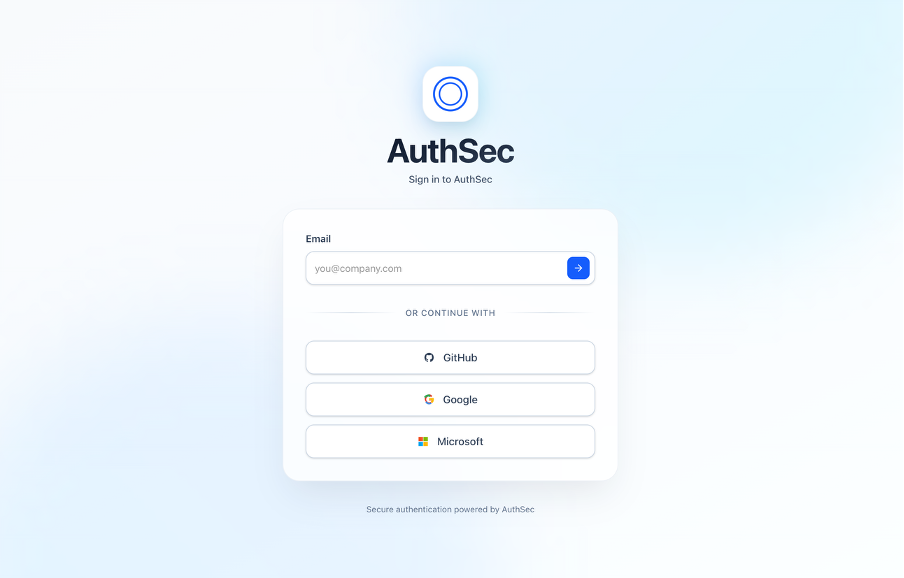
Supported email domains include both personal and work emails.
Verify Email
After entering your email, AuthSec sends a 6-digit verification code to ensure account security.
Steps:
- Check your inbox for the verification code
- Enter the 6-digit code in the verification screen
- Click Verify Account
tip
If the code expires, you can resend it after the cooldown timer.
OAuth Providers
AuthSec supports social and enterprise OAuth authentication for seamless sign-in.
Available providers:
- Google - Consumer and SaaS applications
- GitHub - Developer platforms
- Microsoft - Enterprise users with Azure Entra ID
OAuth allows users to authenticate without creating a password, providing a faster and more secure experience.
Google Sign-In
- Uses Google OAuth 2.0
- Suitable for consumer and SaaS applications
- Automatically verifies user email
GitHub Sign-In
- Ideal for developer platforms
- Uses GitHub OAuth
- Provides verified GitHub identity
Microsoft Sign-In
- Supports Microsoft personal accounts
- Supports Azure Entra ID (formerly Azure AD)
- Recommended for enterprise users
info
OAuth providers handle authentication securely without sharing credentials with AuthSec.