Secure Your Account
AuthSec requires at least one additional authentication method to ensure account security. You can configure:
- WebAuthn (Biometric) - Recommended
- Authenticator App (TOTP)
You can enable both for maximum security.
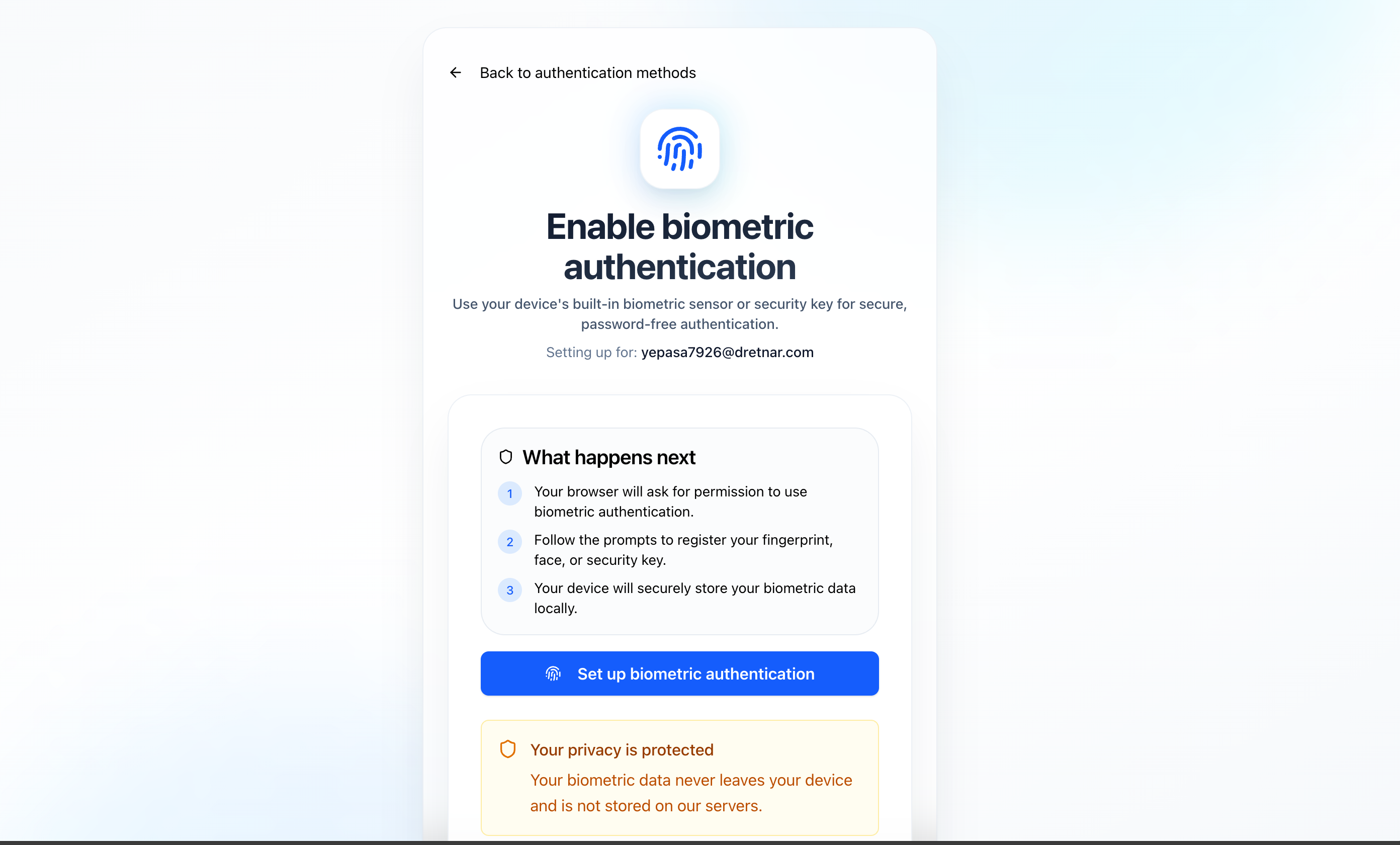
WebAuthn (Biometric) – Recommended
WebAuthn enables passwordless login using modern device security features.
Authentication Methods:
- Fingerprint recognition
- Face recognition
- Hardware security keys (YubiKey, etc.)
Benefits:
- Strong phishing resistance - Credentials can't be stolen
- No shared secrets - Private keys never leave your device
- Device-based security - Uses your device's secure enclave
- Fast login experience - One touch/glance to authenticate
How it works:
- Browser requests permission to use WebAuthn
- You register your biometric or security key
- Credential is stored securely on your device
- No biometric data is stored on AuthSec servers
Setup Process:
- Click "Enable WebAuthn"
- Choose your authentication method (fingerprint, face, or security key)
- Follow your device's prompts to register
- Confirm successful registration

tip
WebAuthn is the most secure and convenient authentication method. We strongly recommend enabling it!
Authenticator App (TOTP)
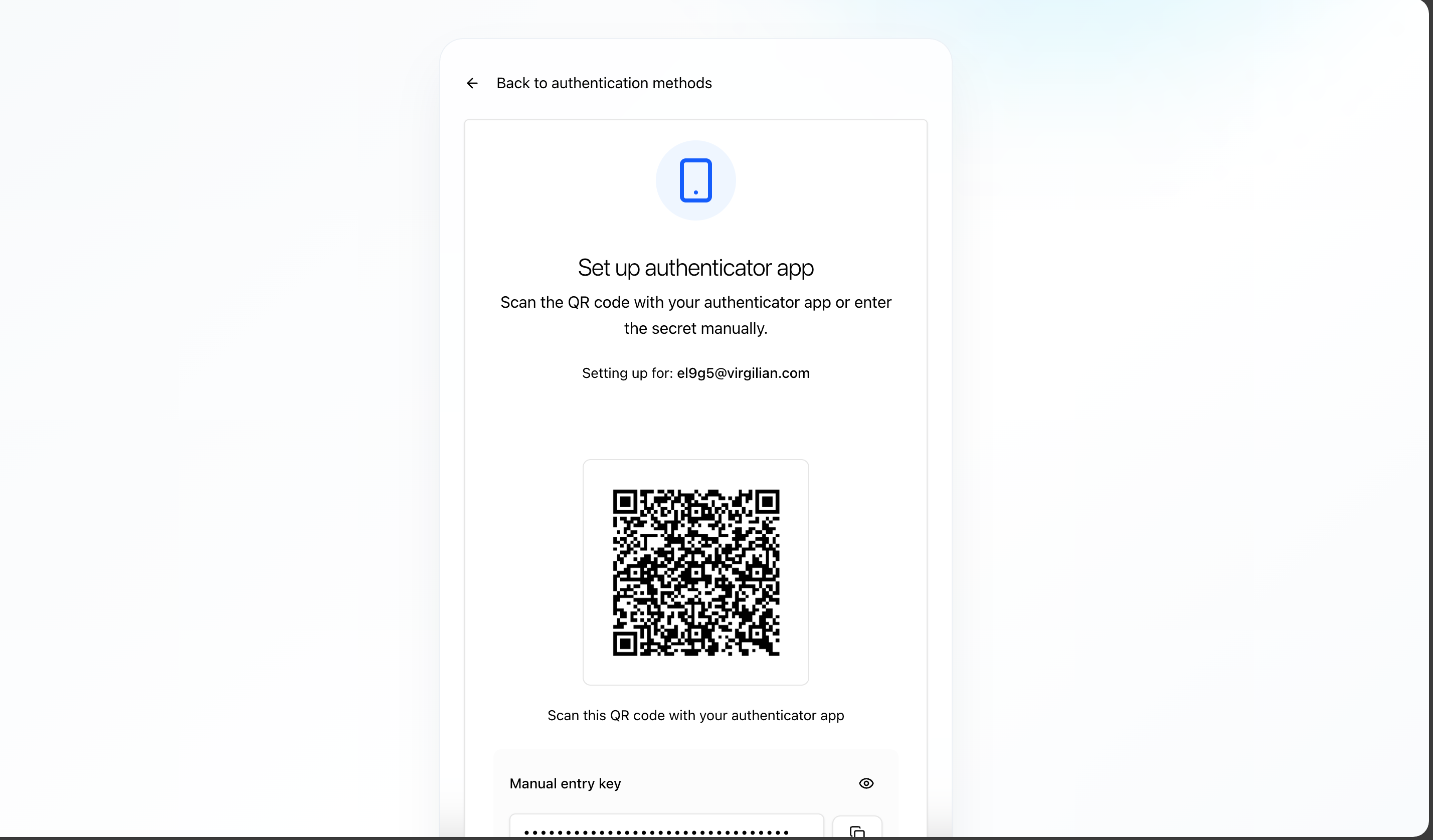
Time-based one-time passwords (TOTP) provide an additional layer of security using your smartphone.
Supported Apps:
- Google Authenticator (iOS/Android)
- Microsoft Authenticator (iOS/Android)
- Authy (iOS/Android/Desktop)
- 1Password (with TOTP support)
Setup Process:
- Open your authenticator app
- Scan the QR code displayed on screen
- Or manually enter the secret key
- Generate a 6-digit time-based code
- Enter the code to confirm setup
Benefits:
- Works offline (no internet required)
- Industry-standard security
- Compatible with multiple apps
- Easy backup and recovery
info
TOTP codes refresh every 30 seconds. Make sure your device's time is synchronized correctly.
Multiple Authentication Methods
For maximum security, you can enable both WebAuthn and TOTP:
- Use WebAuthn for quick, daily logins
- Keep TOTP as a backup method
- Ensure access even if you lose your primary device
Important
Keep your recovery codes in a safe place! They're your backup if you lose access to all authentication methods.