Sync from Directory
- Open the Users page in the dashboard
- Click the Add User button
- Select Active Directory or Entra ID
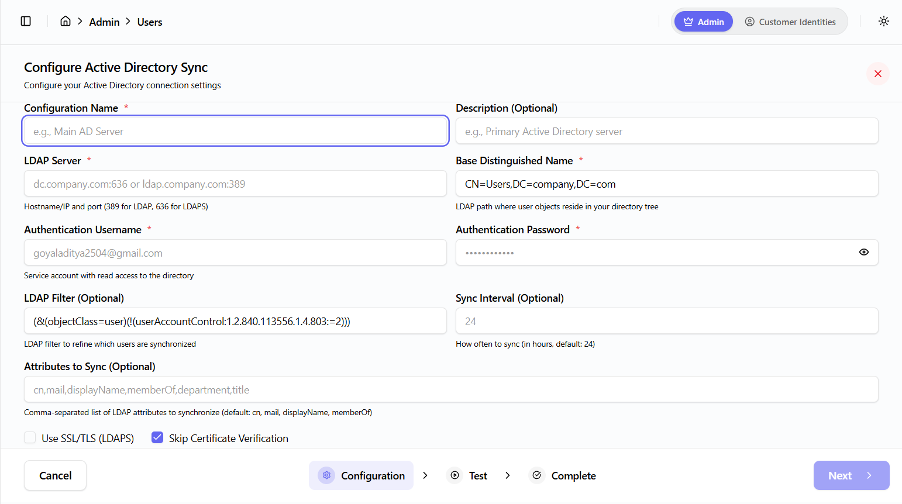
- Configure the directory connection:
- Server details
- Credentials
- Base DN or Tenant information
- Click Test Connection
- Click Sync Users
Users are imported automatically.