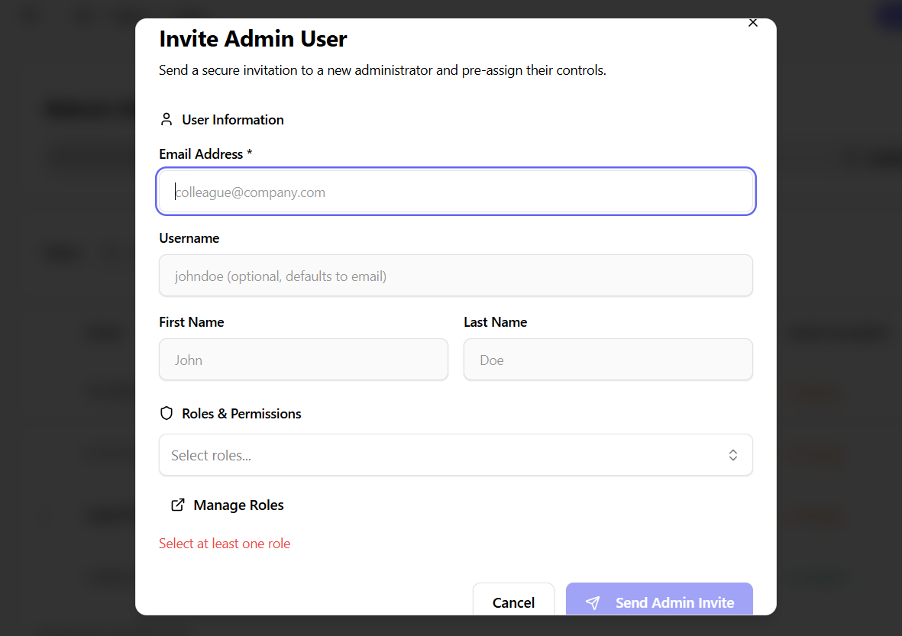
Invite a User
- Open the Users page in the dashboard
- Click the Add User button
- Choose the Invite option
- Enter user details:
- Email address (required)
- First name and last name (optional)
- Select one or more roles to assign
- Click Send Invitation
- The user receives an email with an invitation link