Client Actions
Actions are available through the client row menu.
Edit Authentication Methods
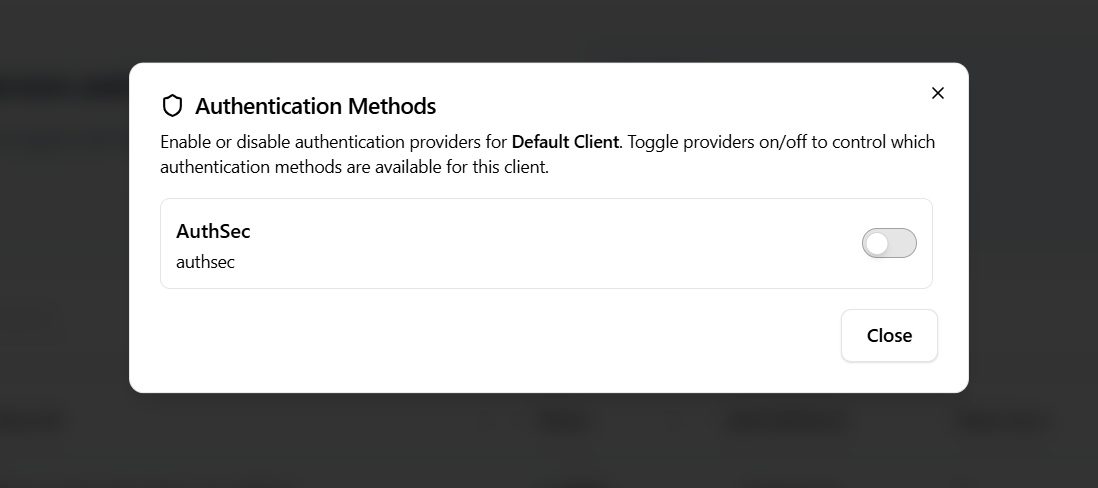
You can enable or disable authentication methods for a specific client. This controls which authentication providers are available for that client only.
Use Cases
- Different auth methods for different AI agents
- Restricting certain clients to specific auth flows
Deactivate a Client
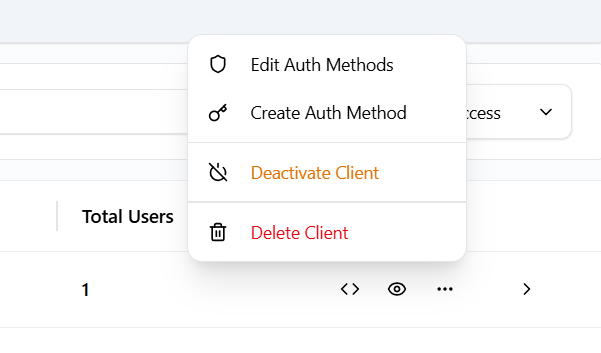
You can temporarily deactivate a client.
- Deactivated clients cannot authenticate
- Configuration remains intact
- Client can be reactivated later
This is useful for maintenance, testing, or temporary suspension.
Delete a Client
You can permanently delete a client.
- All authentication configurations for the client are removed
- The client ID becomes invalid
- This action cannot be undone
Delete should be used only when the client is no longer required.