OIDC / OAuth 2.1 Setup
Click the "Add Method" button and select "OIDC / OAuth 2.0" from the modal.
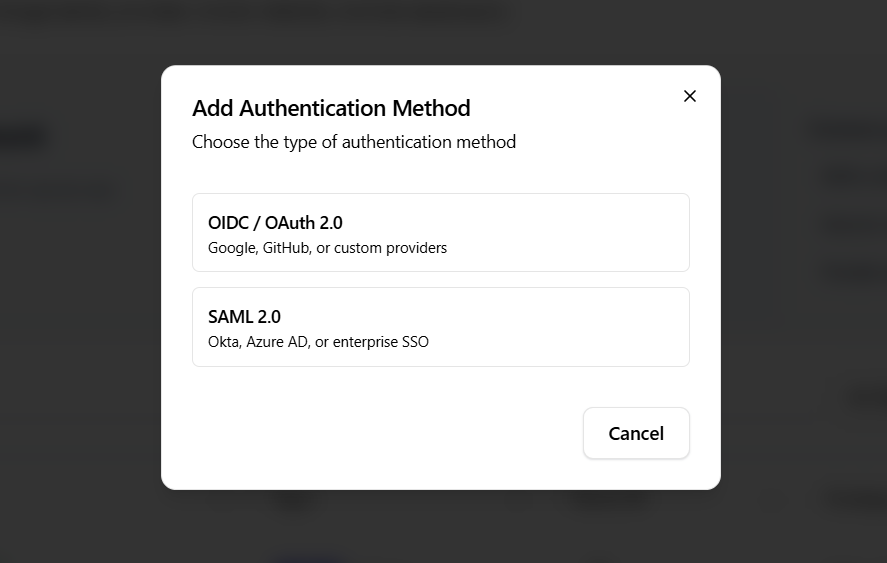
Choose a Provider Template
Each template comes with preconfigured scopes and endpoints.
Google
- Scopes:
openid,profile,email - Authorization URL:
https://accounts.google.com/o/oauth2/v2/auth - Token URL:
https://oauth2.googleapis.com/token - User Info URL:
https://www.googleapis.com/oauth2/v2/userinfo
Microsoft
- Scopes:
openid,profile,email - Authorization URL:
https://login.microsoftonline.com/common/oauth2/v2.0/authorize - Token URL:
https://login.microsoftonline.com/common/oauth2/v2.0/token - User Info URL:
https://graph.microsoft.com/v1.0/me
GitHub
- Scopes:
user:email - Authorization URL:
https://github.com/login/oauth/authorize - Token URL:
https://github.com/login/oauth/access_token - User Info URL:
https://api.github.com/user
Step 1: Configuration
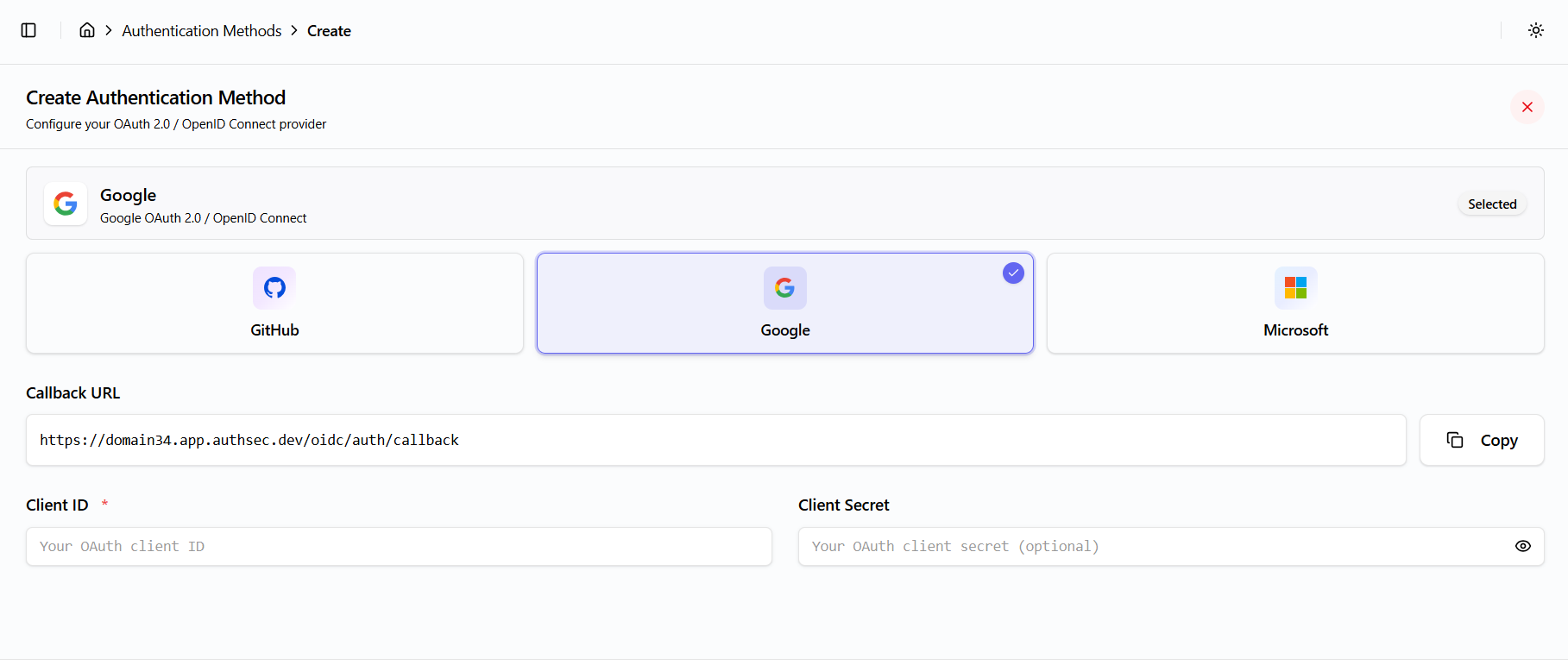
Configure the following fields:
- Callback URL:
{window.location.origin}/oidc/auth/callback(copy button available) - Client ID (required)
- Client Secret (with show/hide toggle)
- Scopes and URLs are prefilled based on the selected provider template
Step 2: Review
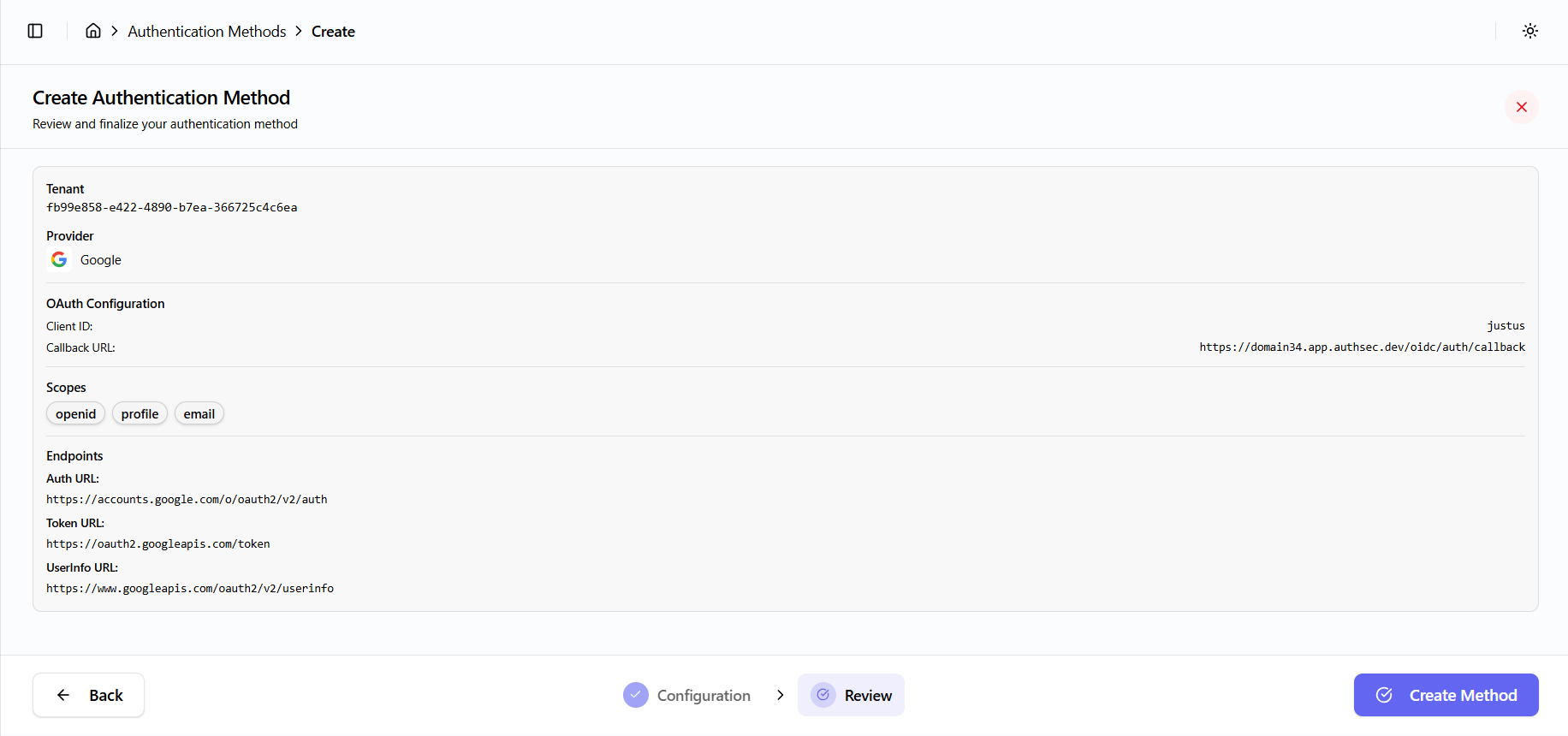
- Review the configuration summary
- Click Finish to complete setup
API Call
The following API call is used to create the OIDC provider:
Endpoint: POST /oocmgr/oidc/add-provider
Payload includes:
- Tenant ID
- Organization ID
- Client ID
- Provider configuration (name, display name, client credentials, URLs, scopes, active status)
- Created by user email
On success, a toast notification is shown and the user is redirected to the dashboard.